


The knowledge base that builds and improves itself
A knowledge base and self-serve portal with articles, collections, and AI search. AI generates the content, answers questions with citations, and writes new articles from every resolved conversation.
Works with Enjo and Enjo Inbox, so escalations arrive with full context


Most help centers require you to write everything manually
Traditional help centers need constant writing, reviewing, and updating - and still drift out of date. Customers search, don't find answers, and file tickets anyway. Your team ends up answering the same questions every week.
Enjo Help Center is Enjo's knowledge base software: a self-serve portal where your customers or employees find answers, browse articles, and get direct answers with citations. It generates articles from your existing content, keeps them current from live knowledge, and drafts new articles from every resolved conversation for your review.
- Generate your help center from a website URL, docs, or helpdesk tickets
- AI answers customer questions directly, not just keyword search
- Unanswered questions become new articles automatically
- Custom branding, domain, multilingual, and SEO built in
Publish a working Help Center the same day

Branded portal with articles, collections, and AI-powered search

AI answers grounded in your verified, connected sources

Improves automatically from every resolved conversation


Core Capabilities
AI-powered answers, not keyword search
Customers ask in plain language. Your portal responds with direct, grounded answers - not a list of links.

Generate articles from your sources
Resolved tickets become knowledge automatically, improving your Help Center for recurring customer questions.

Content stays current automatically
Link articles to Notion, Google Drive, or uploaded files. Source changes? AI flags what needs updating.

Multi-brand and multilingual
Separate help centers by product or region. Translate content across languages. One platform, global reach.

AI answers first. Your help center learns
from every conversation.
1
Customer asks


2
AI interprets intent
3
Answer delivered
4
Can't answer? Escalates
5
Agent resolves
6
New article created
not because you wrote more docs, but because your help center learned.
An agent that builds your help center for you
The agent reads your product, drafts articles to the right shape, and proposes a structure for your help center. Nothing publishes without you.

Get started in three steps


Describe your product
AI generates your help center
It gets smarter over time
Everything you need. Nothing you don't.
(plan, role, segment)
Zendesk, Confluence
Get the best end-to-end experience with Enjo platform.

Enjo Inbox is the unified workspace where teams triage, prioritize, and resolve conversations faster, combining threads, context, and automation in one place, so agents can collaborate smoothly, hand off cleanly, and maintain response quality at scale.
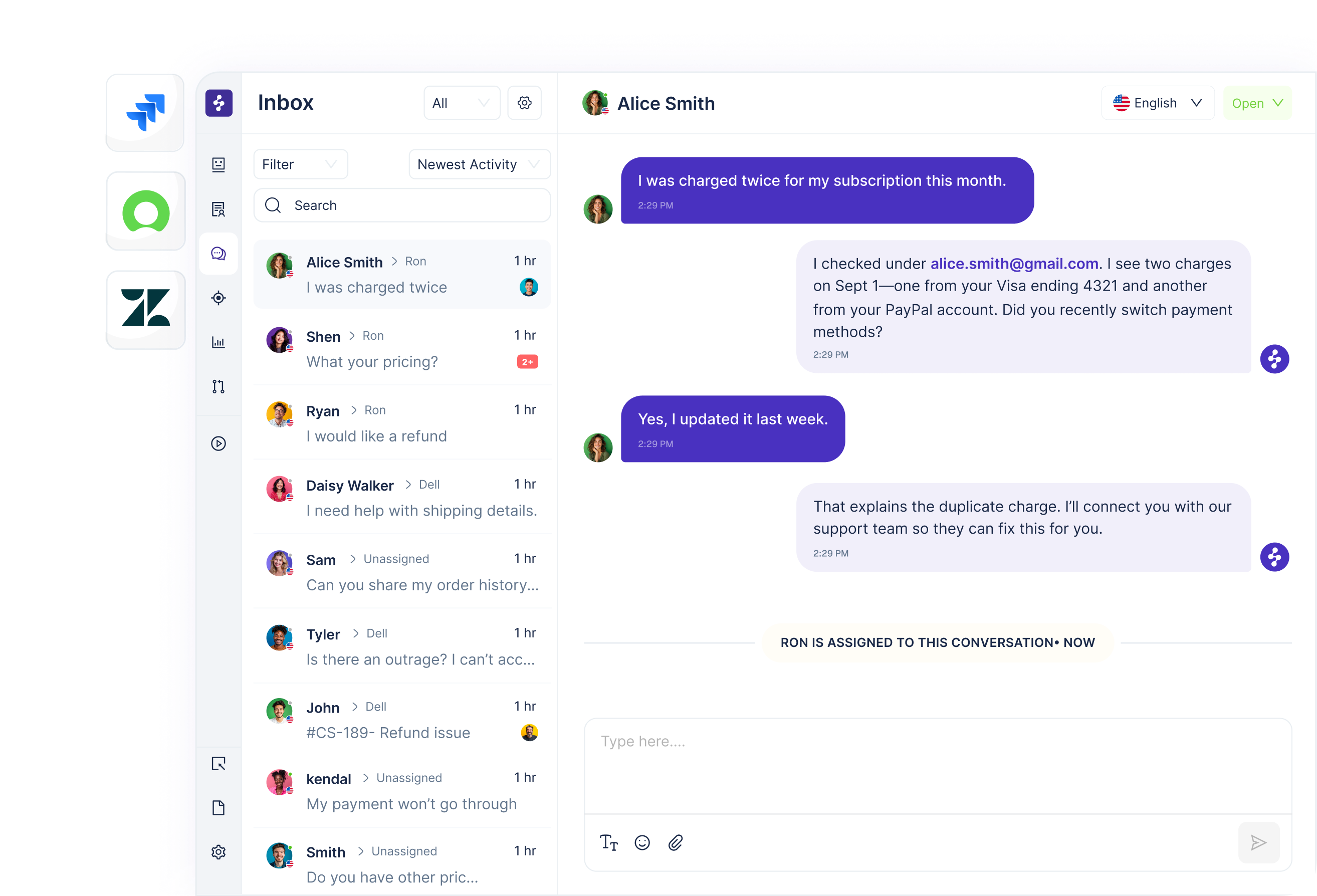
Enjo Agent Assist supports frontline agents in real time, suggesting replies, next-best actions, and relevant knowledge based on the conversation context, so every agent can respond faster, stay on policy, and deliver consistently high-quality resolutions.

Enjo Insights surfaces what’s driving volume, delays, and escalations, tracking resolution performance, automation impact, and top issue trends, so support leaders can spot bottlenecks quickly, prioritize the right workflows, and prove ROI with clarity.

Enjo’s AI Agent autonomously resolves customer issues end-to-end across your support channels, understanding intent, taking the right actions, and closing tickets with high-quality replies, while staying within your policies, approvals, and guardrails for consistent outcomes.
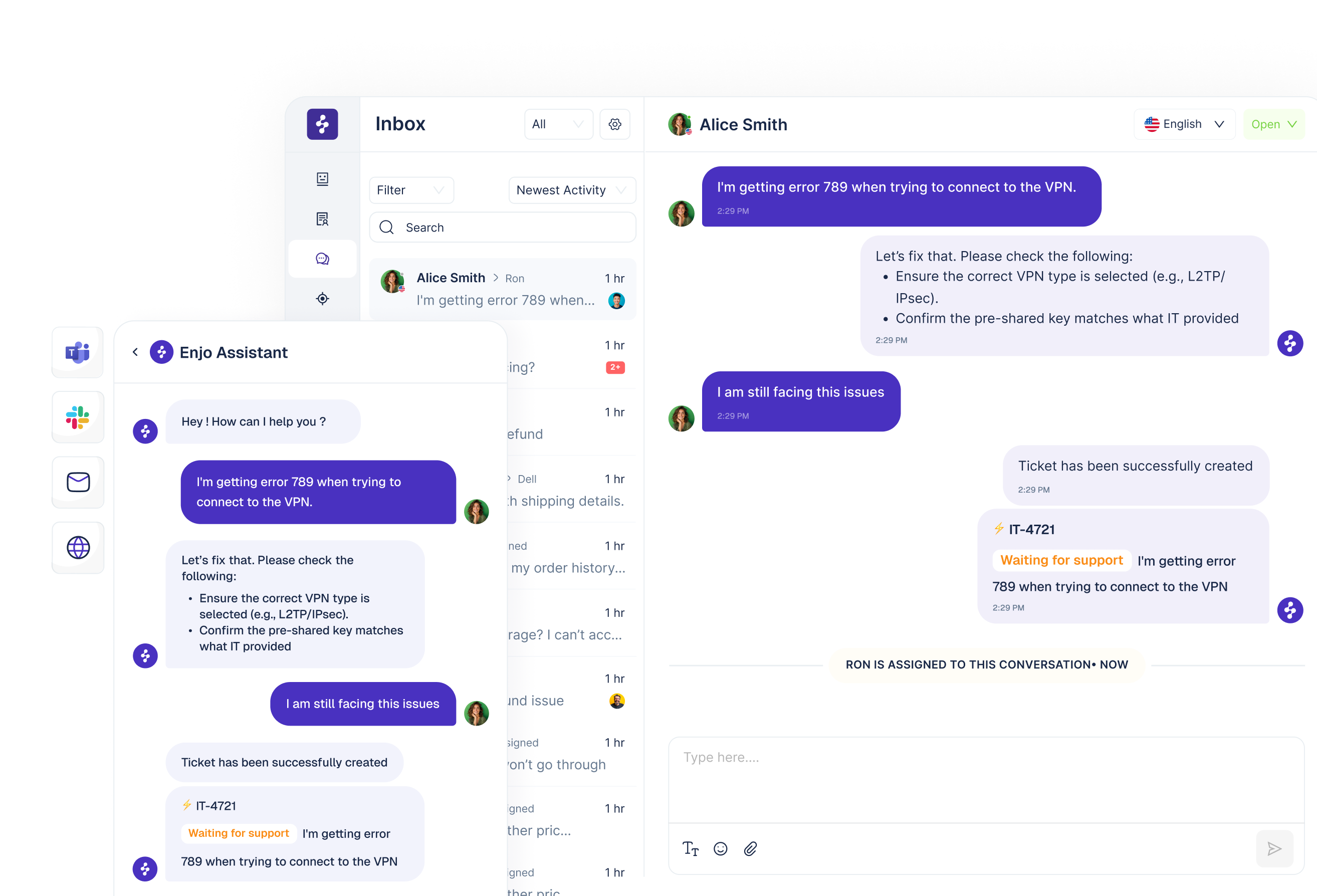
Works with the stack you already run.


Frequently asked questions
Yes. Enjo Help Center is Enjo's knowledge base software. You publish articles and collections to a branded portal, control visibility by plan, role, segment or login state, and AI search answers from them with a citation. Already keep docs in Confluence, Notion, Google Drive or SharePoint? Connect them, and Enjo answers from the same index in Slack, Microsoft Teams and website chat. Comparing options? See our guide to knowledge base software.
No. You can generate a help center from just your website URL. Pick a template, answer a few questions, and the AI builds your articles and collections. You can also connect Notion, Google Drive, Zendesk, or upload documents.
No. It's a knowledge base that generates articles from your sources, answers questions with citations from live knowledge, and drafts new articles from resolved conversations for your review.
When a customer asks a question your help center can't answer, it auto-escalates to your team. When they resolve it, the AI drafts a new article from the resolution. Next customer with the same question gets the answer directly.
It's the control panel for your help center. You can tell it to generate articles, update content, rewrite sections, reorganize collections, or run bulk edits — all from natural language prompts. You review and approve everything.
Website URLs, Notion, Google Drive, SharePoint, Confluence, Zendesk, Intercom, uploaded documents, and more. The Help center Agent can generate articles from any of these.
Yes. Import articles from Intercom, Zendesk, Confluence, or Notion. Your structure is retained. You can also generate fresh articles from connected sources and run both in parallel during transition.
Traditional help centers and knowledge bases return pages. Enjo returns answers, grounded in your verified sources with a citation on each. Instead of you writing every article, the AI generates and maintains them. You review and publish.
Yes. Create your help center, generate articles, customize branding, and serve customers - free forever. No credit card required. Paid plans add more AI capabilities as you scale.
Autonomous support,
under your control.


